Not all TVs mount to walls—compatibility hinges on three factors. Your TV needs a VESA pattern (mounting holes measured in millimeters, like 200×200 or 400×400) that aligns with your chosen mount. The TV’s weight must fall within the mount’s load capacity, typically 25 to 200+ pounds. Your wall structure matters too: drywall requires reinforcement, while studs and concrete handle heavier sets. Brand-specific designs sometimes deviate from standard patterns, creating adapter complications. Understanding these requirements prevents costly installation failures and keeps your setup stable long-term.
Can All TVs Be Wall Mounted?
Not every TV you’ll encounter can be wall mounted, and that’s primarily because wall mounts and televisions must align on specific technical specifications. Your TV’s VESA compatibility determines mounting viability. VESA patterns—standardized hole placements measured in millimeters like 200×200 or 400×400—must match your wall mount’s design. Some manufacturers deviate from these standards, creating non-standard configurations that prevent installation.
VESA compatibility determines if your TV can be wall mounted—standardized hole patterns must match your mount’s design specifications.
Weight capacity presents another critical barrier. Wall mounts specify maximum weight tolerances; exceeding these limits risks equipment damage and safety hazards. You’ll need to verify your TV’s exact weight against the mount’s specifications before purchasing.
Screen size compatibility matters equally. Wall mounts accommodate specific size ranges, typically 32 to 75 inches. Oversized or undersized televisions fall outside these parameters.
Understanding these technical requirements helps you identify which TVs work with wall mounts and which require alternative solutions or professional installation.
Quick Self-Check: Is Your TV Wall-Mountable?
How do you know if your specific TV will actually mount on your wall? You’ll need to verify three critical factors: VESA compatibility, weight capacity, and mounting hardware compatibility.
First, locate your TV’s VESA pattern—the center-to-center distance between mounting holes. Check your manual or manufacturer’s website for this specification. Most televisions follow standard VESA formats like 100x100mm or 200x200mm, but some brands use non-standard placements that require specialized mounts.
Next, confirm the mount’s weight capacity exceeds your TV’s actual weight. Undersized capacity creates safety hazards.
Finally, verify that your wall mount’s hole patterns align with your TV’s VESA standard. Tools like MountFinder simplify this verification process. Taking these steps prevents purchasing incompatible equipment and guarantees secure installation. Skip this self-check at your own risk—it’s fundamental to successful wall mounting.
Finding Your TV’s VESA Mounting Pattern
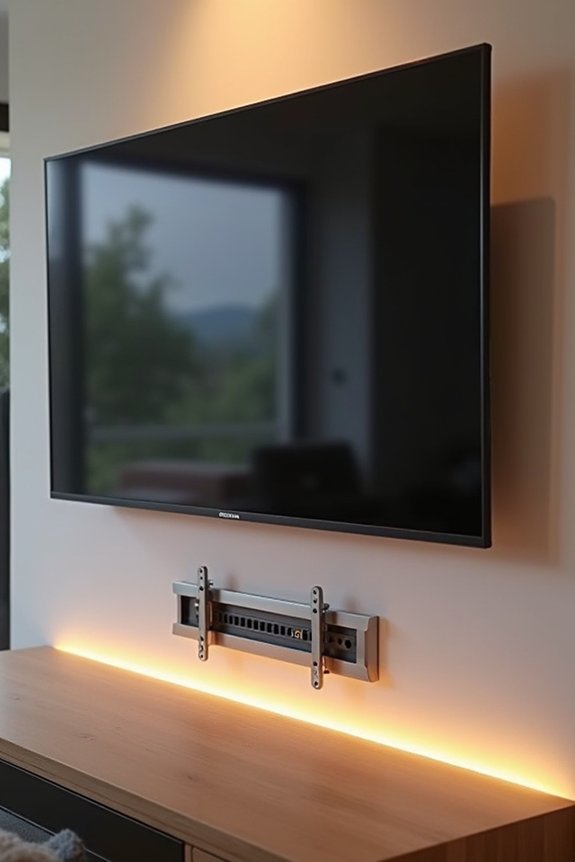
I’ll help you locate your TV’s VESA mounting pattern through three key methods. You can check your owner’s manual or the manufacturer’s website for the specific horizontal-by-vertical measurements listed in millimeters. If that information isn’t available, you can measure the center-to-center distances between your mounting holes using a tape measure to determine the exact pattern yourself.
Locating Mounting Hole Patterns
Every TV features standardized mounting holes on its back panel—these holes follow VESA patterns that determine wall mount compatibility. Here’s how to locate your VESA size:
- Measure the center-to-center distance between holes horizontally across the back panel
- Measure the center-to-center distance between holes vertically down the back panel
- Record both measurements in millimeters, expressed as horizontal x vertical (e.g., 200×200 mm)
- Cross-reference your measurements against common VESA standards or MIS designations
Your TV’s owner’s manual lists the VESA size explicitly. The manufacturer’s product page provides this information as well. Some models use MIS designations indicating specific hole pattern variations. Identifying your exact VESA size helps you select a compatible wall mount. Mismatched patterns require universal adapters. Knowing these specifications prevents purchasing incompatible equipment and installation complications.
Measuring Center-To-Center Distances
To determine your TV’s exact VESA compatibility, you’ll need to measure the precise spacing between mounting holes on its back panel. Locate the four mounting holes arranged in a rectangular pattern. Using a measuring tape or ruler, measure the horizontal distance between the two left holes, then the vertical distance between the top and bottom holes. Record both measurements in millimeters. This center-to-center spacing defines your TV’s VESA mounting pattern. Most standard patterns include 200x200mm, 400x400mm, or 600x400mm configurations. If your measurements don’t match common VESA standards, your TV likely uses a non-standard mounting pattern requiring specialized adapters. Cross-reference your measurements against your owner’s manual to verify accuracy and identify compatible wall mounts for your specific model.
Consulting Manufacturer Specifications
Where can you find your TV’s precise VESA mounting pattern without measuring or guessing?
Your manufacturer holds the definitive mounting specifications you need. Consult these resources systematically:
- Check your TV’s owner’s manual for the VESA patterns section
- Visit the manufacturer’s official website and locate your model’s detailed specifications
- Contact customer support directly if documentation isn’t accessible
- Review the product packaging, which often lists mounting specifications prominently
The manual provides exact horizontal and vertical measurements in millimeters. Manufacturer websites display comprehensive mounting specifications alongside compatibility information. Some TVs follow MIS variations rather than standard VESA patterns, making official documentation necessary.
Contacting the manufacturer provides accurate data. They’ll confirm whether your TV supports wall mounting and provide precise VESA dimensions. This approach eliminates guesswork and prevents purchasing incompatible mounting hardware.
What Your TV’s Weight and Size Tell You
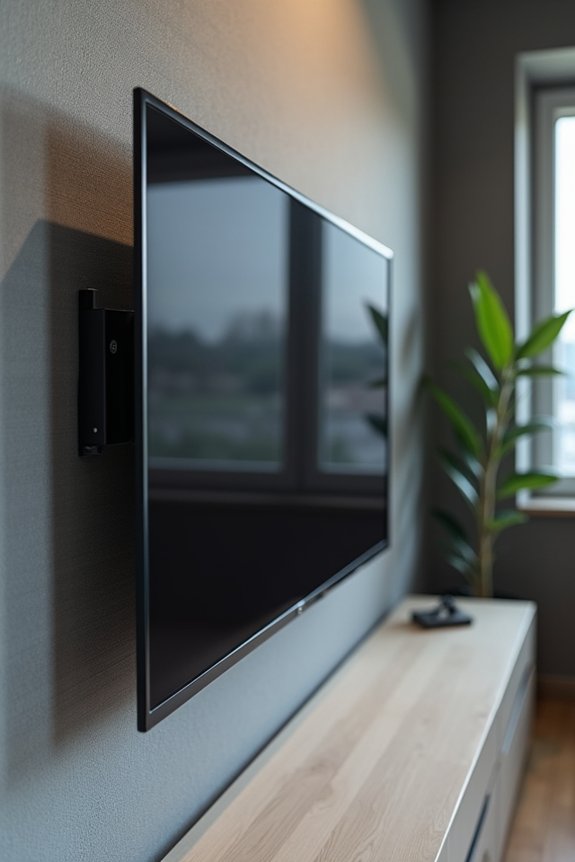
Your TV’s weight and screen size directly determine which wall mount can safely support it. I need to verify both specifications—the TV’s total weight in pounds and its diagonal measurement in inches—against the mount’s rated capacity and compatibility range. Matching these numbers prevents installation failures and keeps your display securely anchored to the wall.
Weight Capacity Specifications
How does a wall mount’s weight rating determine whether it’ll safely hold your television? I’ll walk you through what you need to know about weight capacity specifications for your setup.
- Manufacturers assign maximum weight ratings to each mount model, typically ranging from 25 to 200+ pounds
- You must weigh your TV and verify this measurement doesn’t exceed the mount’s capacity rating
- VESA standards dictate the bolt pattern spacing; matching both weight capacity and VESA confirms compatibility
- Exceeding weight limits causes mount failure, wall damage, and serious safety hazards
I recommend checking your TV’s exact weight against the mount’s load capacity before purchasing. This straightforward comparison prevents installation problems. When both weight capacity and VESA standards align with your television’s specs, you’ve found a compatible mount. This verification step is necessary for safe installation.
Screen Size Compatibility Ranges
When you’re selecting a wall mount, the TV’s weight and diagonal screen size function as your primary compatibility indicators. Most manufacturers design mounts to accommodate ranges spanning 27 inches to 110 inches, establishing clear limits for safe installation. Your TV’s diagonal measurement—measured corner to corner across the screen—determines which mount categories work for your setup. However, screen size alone doesn’t guarantee compatibility. You’ll need to cross-reference your TV’s weight against the mount’s maximum capacity rating. VESA compatibility patterns provide the secondary verification step, so the mounting holes align precisely with your specific model. By matching screen size, weight capacity, and VESA specifications, you identify mounts that’ll safely support your television while maintaining proper balance and structural integrity throughout installation and daily use.
Measuring Your TV Accurately
Before you select a wall mount, gathering your TV’s weight and diagonal screen measurement establishes whether compatibility exists. I’ll walk you through identifying these specifications:
- Weigh your TV using a bathroom scale or manufacturer documentation to verify the weight rating matches your mount’s capacity
- Measure the diagonal screen from corner to corner in inches to confirm size compatibility ranges
- Locate your TV’s VESA pattern in the manual or manufacturer website, noting dimensions like 200×200 or 400×400 millimeters
- Cross-reference these measurements against your mount’s specifications to verify alignment
Your TV’s weight determines load-bearing requirements. The VESA pattern confirms proper bracket alignment. These measurements prevent installation failure and verify your setup meets safety standards.
Why Wall Type Determines Safe Installation
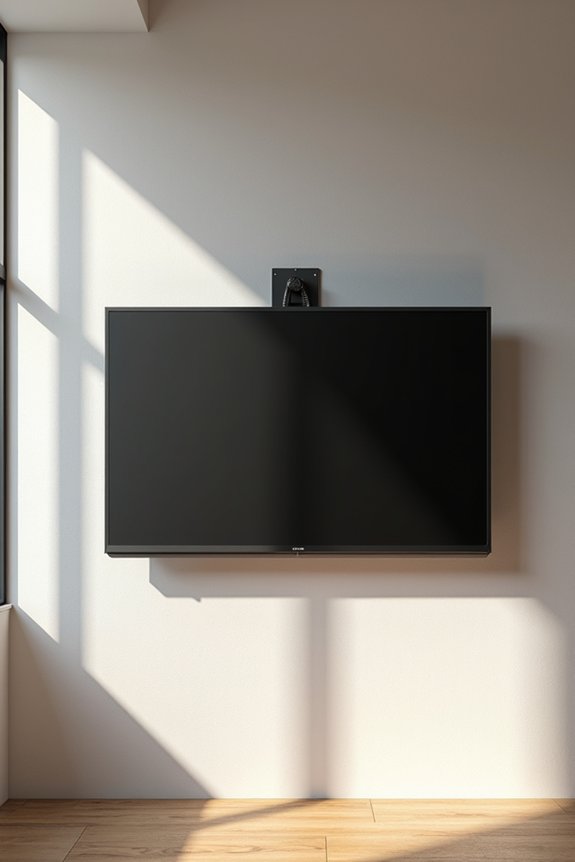
The material composition of your wall fundamentally dictates which fasteners work, how much weight your installation can safely bear, and whether reinforcement is necessary before mounting. Drywall requires anchors or backing support since it cannot independently handle heavy TVs. Brick and concrete demand masonry screws or anchors designed for dense materials. Wood walls offer superior strength when fastened into studs, though mounting screws must match stud spacing and your TV’s weight rating.
Each wall type presents distinct load-capacity limits. Drywall alone fails under significant pressure, necessitating reinforcement plates or backing boards. Brick and concrete provide reliable anchoring when you use appropriate fasteners. Wood framing distributes loads effectively across studs.
Assess your wall material before selecting mounting hardware. This evaluation prevents installation failure and protects your wall integrity, keeping your TV mounted safely and securely.
Wall Mount Types: Fixed, Tilting, and Full-Motion
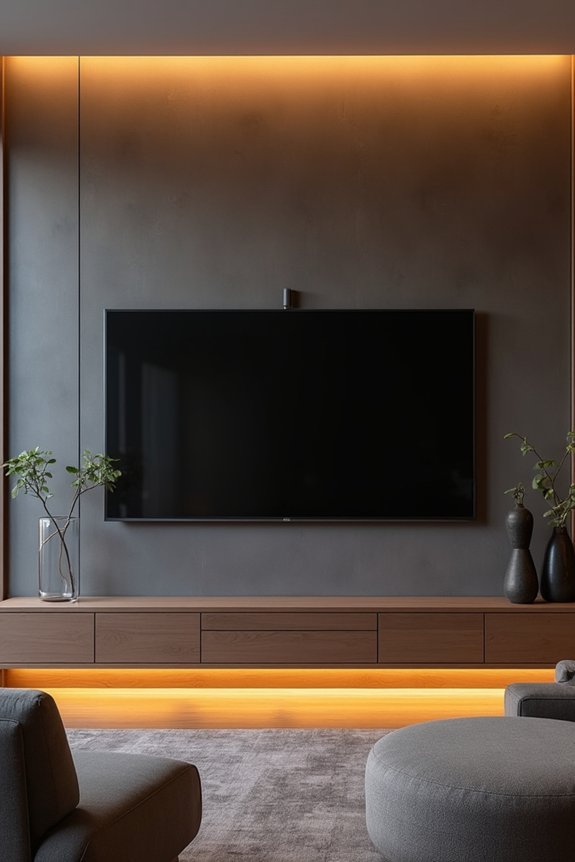
Once you’ve confirmed your wall can support the TV’s weight, you’ll choose among three distinct mount types that directly impact viewing comfort and installation complexity. Each option serves different viewing preferences and room configurations:
- Fixed mounts secure your TV flat against the wall, offering the lowest profile and most stable installation
- Tilting mounts allow vertical angle adjustments, reducing glare and neck strain when mounted higher
- Full-motion mounts provide horizontal swivel, tilt, and extend/retract capabilities for maximum flexibility
- Each requires matching your TV’s weight range and VESA pattern—the hole layout specification—to guarantee safe operation
Your choice depends on viewing distance, available wall space, and glare reduction needs. Tilting and full-motion mounts prove particularly useful near windows or high placements. Verify cable access and ventilation clearance behind the TV before finalizing your TV wall mounts selection.
Universal Mounts: When They Work and When They Don’t
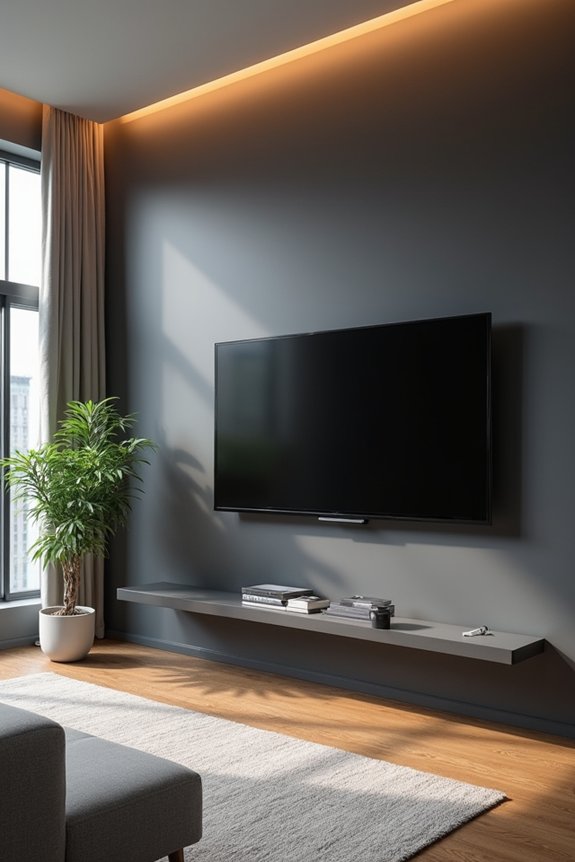
Universal mounts work effectively when your TV’s VESA pattern—the standardized hole spacing measured in millimeters—matches the mount’s compatible range, and when your TV’s weight stays within the manufacturer’s specifications. You’ll encounter compatibility problems if your TV uses non-standard hole placements, falls outside the mount’s weight capacity, or comes from manufacturers that don’t follow VESA guidelines. Adapter plates and model-specific brackets exist as solutions, though they add cost and complexity to what should be a straightforward installation.
VESA Standard Compatibility
How do you know if your TV’s mounting holes will actually work with that universal bracket you’re considering? VESA compatibility determines whether your television connects securely to any mounting standard. Here’s what matters:
- VESA patterns express hole spacing as horizontal x vertical measurements (200×200, 400×400, 600×400 mm)
- Your TV’s specific VESA size must match your mount’s supported patterns
- MIS designations (MIS-D, MIS-E, MIS-F) indicate hole pattern variations affecting compatibility
- Weight capacity ratings must accommodate your TV’s actual mass within safe limits
Universal mounts claim broad compatibility, yet they work only when your television’s mounting standards align with the bracket’s specifications. Non-standard TVs require adjustable adapters or specialized solutions. Before purchasing, verify your TV’s VESA designation against the mount’s documentation for proper installation.
Universal Mount Limitations
While VESA compatibility gives you a baseline for mounting hole alignment, the reality of universal mounts reveals significant practical constraints. I’ve found that truly universal mounts can’t accommodate every TV, despite their broad size range claims. Your TV’s VESA compatibility and weight rating must align precisely with the mount’s specifications. Some televisions use non-standard hole patterns or MIS variants that universal brackets simply can’t address. Unusual TV depths create additional obstacles requiring adapters or alternative solutions. Non-VESA compliant models present the biggest challenge—they won’t fit standard universal mounts at all. Even reputable brands like SANUS offer adjustable brackets for multiple patterns, but verification remains necessary. I recommend checking your specific TV’s mounting specifications against the mount’s supported patterns and load capacity before purchasing.
Adapter Solutions For Non-Standard
When your TV’s mounting holes don’t align with standard VESA patterns, adapters become your primary solution for achieving wall installation.
Adapter solutions bridge the gap between non-standard patterns and universal mounts effectively. Here’s what you’ll encounter:
- Bracket spacers expand hole distances to match VESA compatibility requirements
- Conversion plates redirect mounting points from proprietary designs to standard configurations
- Offset adapters accommodate TVs with holes positioned outside typical dimensions
- Custom drilling templates allow precise repositioning when existing holes won’t work
These mechanical interventions require careful measurement and installation precision. You’ll need to verify your TV’s exact specifications before purchasing adapters. Weight distribution remains critical—confirm your adapter supports your TV’s mass without compromising structural integrity. Some installations demand professional assistance when modifications exceed standard bracket widening capabilities.
Non-Standard Hole Patterns? Try Adjustable Brackets
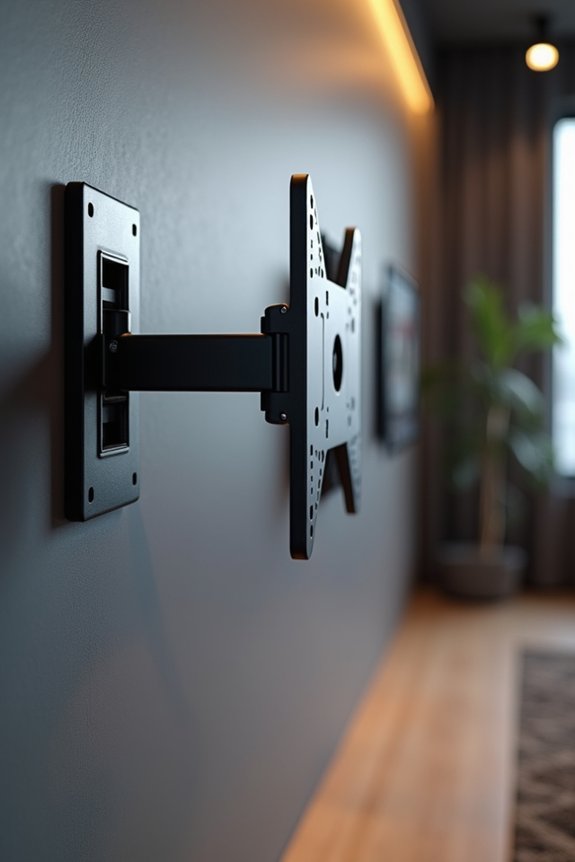
What happens when your TV doesn’t match standard VESA measurements like 200×200, 400×400, or 600×400 millimeters? Adjustable brackets offer a practical solution. These brackets accommodate varying hole patterns through movable mounting plates and extendable arms. Brands like SANUS design systems with multiple adjustment points, allowing you to align non-standard configurations precisely. You may need additional spacers or extended components to bridge unusual distances between mounting holes. The bracket’s design lets you shift the TV’s position until holes align perfectly with wall studs and anchors. Before purchasing an adjustable bracket, verify your TV’s exact VESA dimensions in the manual or manufacturer website. This verification prevents compatibility issues and supports safe installation. Adjustable brackets work efficiently for most non-standard patterns without requiring professional help.
Accessing Ports and Planning Cable Routes
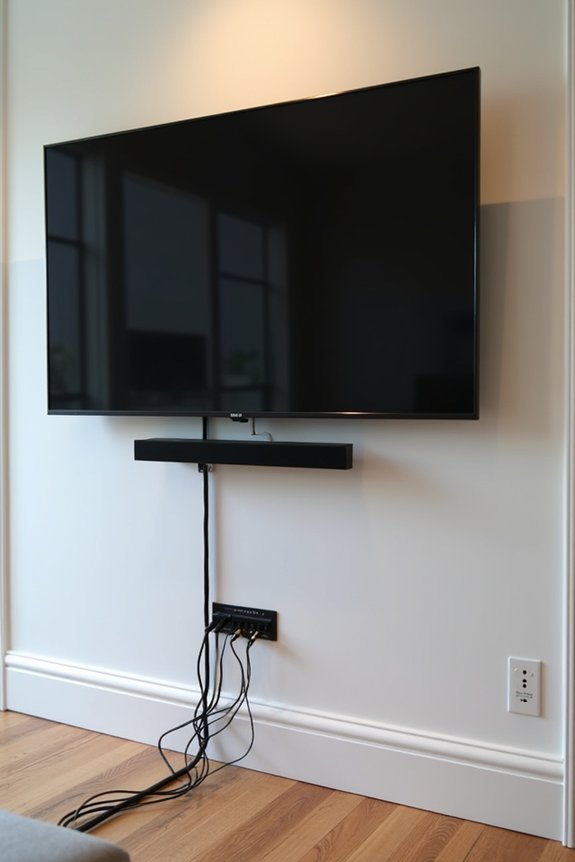
How you mount your TV directly impacts your ability to access its ports and manage cables effectively. Planning ahead prevents frustration during setup and daily use.
TV mounting choices directly impact port accessibility and cable management—thoughtful planning prevents installation frustration and simplifies daily use.
Consider these factors:
- Port accessibility—Choose mounts that preserve easy reach to HDMI, USB, power, and AV connectors without obstruction
- Cable routing—Select mounts featuring integrated channels or clips that hide cords and reduce wall clutter
- Clearance space—Provide sufficient depth behind your TV for plugging devices in and out without hitting the wall
- Height optimization—Use AR tools to determine mounting height that balances ergonomic port access with viewing comfort
Back-side access mounts differ from cable-concealing designs, so plan your socket placement accordingly. Adequate spacing prevents blocked connections and simplifies maintenance. Strategic cable management results in a professional-looking installation.
Does Your Wall Need Reinforcement?
Before you mount your TV, I need to assess whether your wall can handle the load safely. Drywall alone often requires wooden backing, metal studs, or reinforcement plates to distribute weight properly and prevent anchor failure. I’ll determine the right anchors and reinforcement strategy by identifying your wall type, checking stud locations, and evaluating overall structural capacity.
Drywall Reinforcement Requirements
Plain drywall alone won’t support most modern TVs—you’ll need structural reinforcement behind the wall to safely handle the load. Here’s what I recommend considering for your wall mounts:
- Locate wall studs using a stud finder; they’re spaced 16 inches apart and provide the strongest anchor points for brackets.
- Install a reinforced backing plate (plywood or metal) across multiple studs if your studs don’t align with your desired mounting location.
- Use drywall anchors only as supplementary support; they cannot bear heavy TV weight independently without proper reinforcement behind them.
- Verify the combined weight rating of your mount and wall system exceeds your TV’s total weight by at least 25 percent.
Proper reinforcement distributes load evenly and prevents drywall shear failure. Always consult manufacturer guidelines before installation.
Wall Structural Assessment
You’ll need to evaluate your wall’s load-bearing capacity before selecting a mounting location and hardware. I recommend identifying your wall’s construction type first—drywall, brick, or concrete each require different assessment approaches. For drywall walls, I locate the wooden studs behind the surface using a stud finder; studs provide superior anchoring points for heavy televisions. Brick and concrete walls demand inspection for moisture, structural cracks, and material deterioration that compromises mounting security.
I also suggest having a professional assess your chosen location. They’ll identify hidden plumbing, electrical wiring, and sprinkler lines that constrain placement options. This evaluation prevents costly damage and safety hazards. Understanding your wall’s actual load-bearing capacity allows your wall mount hardware to match the TV’s weight specifications, guaranteeing safe installation and long-term stability.
Anchor Selection Guidelines
How you anchor your wall mount directly determines whether your TV installation succeeds or fails. I’ve learned that selecting proper anchors requires matching them to your specific wall type. Here’s what I consider:
- Drywall walls need special anchors or wooden reinforcements behind the wall structure
- Brick or concrete walls require masonry anchors and longer screws for high resistance
- Stud-mounted installations use lag bolts or wood screws rated for your TV’s weight
- Mounting plates distribute load across larger wall areas when standard anchors prove insufficient
I always follow the manufacturer’s specified anchor types and weight ratings without exception. When I’m uncertain about wall integrity, I consult a professional installer. They assess reinforcement needs and verify my wall mount choice will securely support the television. This approach eliminates installation failures and safety risks.
Where to Find Your TV’s Official Mounting Specs
Before committing to any wall mount, locate your TV’s official mounting specifications through two primary sources: the owner’s manual or the manufacturer’s website. Your VESA patterns—expressed as horizontal x vertical measurements like 200×200 mm or 400×400 mm—indicate exact mounting hole locations. These specs also include maximum weight capacity, which you’ll need for selecting appropriate hardware. Many televisions follow VESA MIS designations such as MIS-D, MIS-E, or MIS-F, specifying hole pattern variations beyond standard sizing. Your mounting specs determine compatibility with standard wall mounts versus specialized adapters. Universal mount brands like SANUS offer adjustable solutions accommodating multiple VESA patterns. Check your documentation first; this prevents purchasing incompatible equipment and supports safe installation.
Common TV Models That Present Mounting Challenges
While most modern televisions conform to VESA mounting standards, certain manufacturers deliberately deviate from these patterns, creating compatibility obstacles for standard wall mounts. You’ll encounter specific models that present notable mounting challenges:
Most modern TVs follow VESA standards, but certain manufacturers deliberately deviate, creating compatibility obstacles for standard wall mounts.
- Samsung curved screens with proprietary hole spacing that exceeds standard VESA compatibility ranges
- LG OLED displays featuring integrated stands requiring specialized adapter plates
- Sony premium models incorporating non-standard bracket interfaces designed exclusively for their mounts
- TCL budget lines using MIS variations with irregular hole arrangements across frame dimensions
These mounting challenges arise when manufacturers prioritize design aesthetics or cost reduction over universal VESA compatibility. The deviation from standard patterns means you’ll need custom solutions or specialty mounts. Understanding which models present obstacles helps you select appropriate mounting hardware before purchase, allowing for secure installation without compatibility problems.
Tools That Verify Compatibility Before You Buy
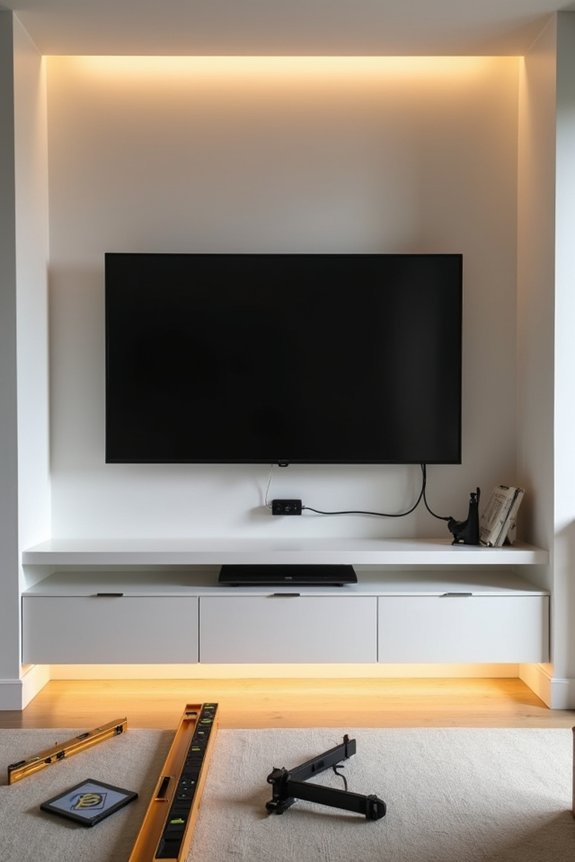
Knowing which models create mounting obstacles means you’re halfway to a successful installation, but you’ll still need specific tools to confirm your chosen mount works with your TV. VESA compatibility checkers let you input your TV’s specifications and verify that hole patterns match your selected bracket. Manufacturer websites provide exact VESA sizes, weight limits, and diagonal measurements you’ll need for accurate assessments. Mounting height planning apps use AR technology to visualize where your TV sits on your wall before drilling. Digital calipers help you measure your TV’s mounting holes precisely. These tools eliminate guesswork and prevent costly errors, allowing you to select equipment that actually supports your specific model’s weight and dimensions.
DIY Installation vs. Hiring a Professional
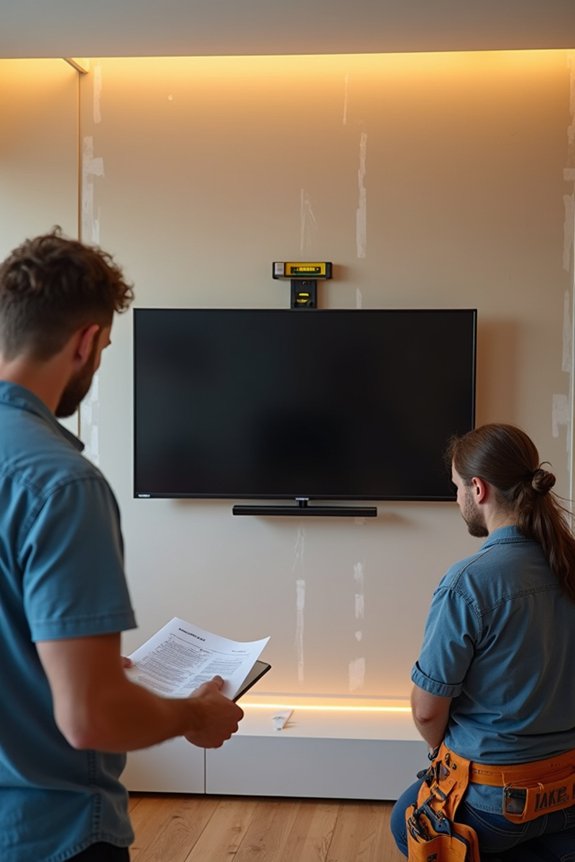
Should you mount your TV yourself, or call in a professional?
I’ll break down what matters when deciding between DIY installation and professional installation. Consider these key factors:
- VESA compatibility confirmation prevents bracket misalignment and structural failure.
- Wall type identification—drywall, concrete, or plaster—determines anchor selection and load capacity.
- TV weight verification confirms your chosen mounting hardware handles the load safely.
- Assistance availability for lifting and positioning reduces installation errors during placement.
Professional installation guarantees correct mounting, proper alignment, and safety compliance. I recommend hiring professionals for larger or heavier TVs where mistakes carry greater consequences. If you choose DIY TV mounting, follow manufacturer instructions precisely and use appropriate tools. Having a second person assist you considerably improves positioning accuracy and reduces injury risk during the installation process.
Is Your TV Ready to Mount? Final Checklist
Once you’ve decided whether to tackle installation yourself or hire a professional, you’ll want to verify your TV actually meets mounting requirements before purchasing hardware or scheduling an appointment. I recommend creating a checklist covering VESA compatibility, wall mount compatibility, weight ratings, and port accessibility.
| Requirement | Your TV Specs | Mount Specifications | Status |
|---|---|---|---|
| VESA Pattern | [Check manual] | 200×200/400×400 | ☐ |
| Weight Rating | [Your TV weight] | Max capacity lbs | ☐ |
| Wall Type | Drywall/concrete | Anchor type needed | ☐ |
| Port Access | HDMI/power location | Cable routing plan | ☐ |
Documenting these details prevents installation failures and keeps your mounting safe. You’ll identify compatibility issues early, avoiding costly mistakes.